Home › Materials
Laser cutting speed and cost by material
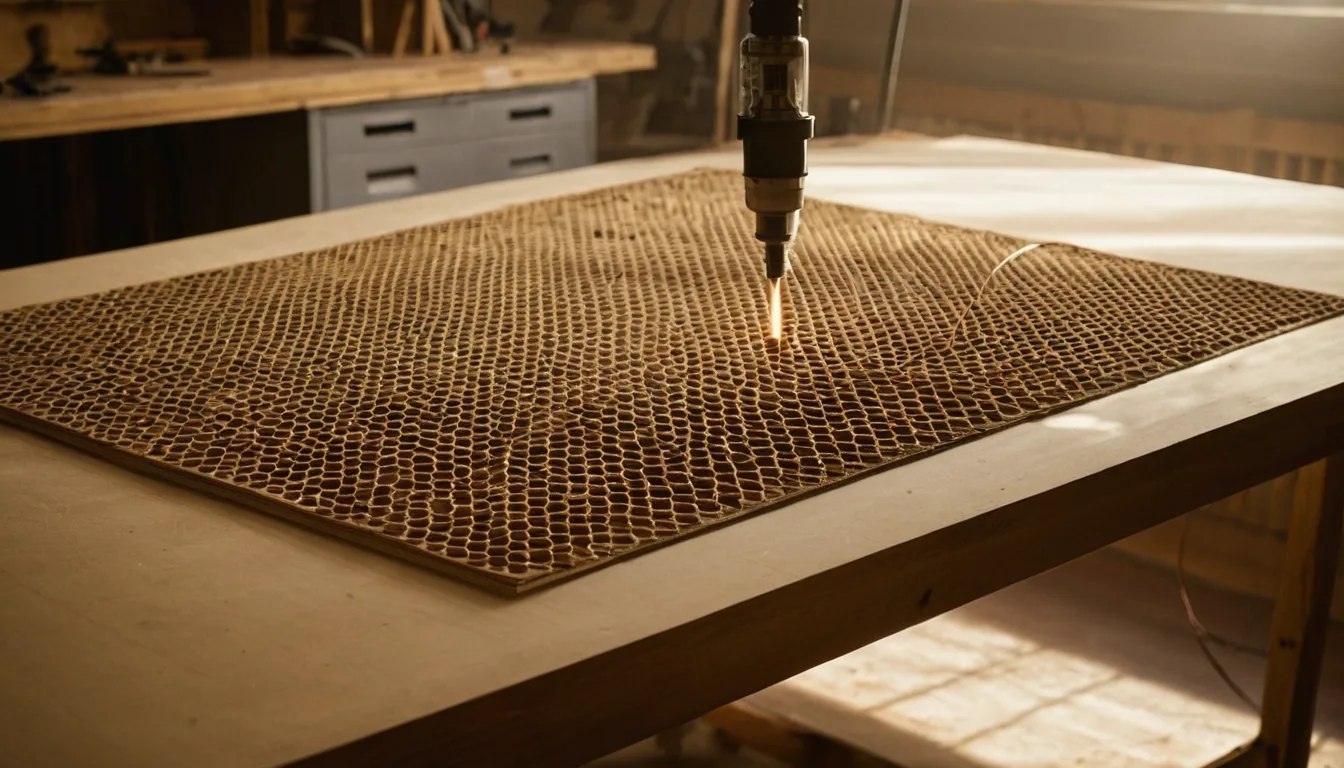
Pick a material and thickness for its real cut speed, time and machine cost on common lasers, plus settings tips. Then drop your file in the calculator.
How to read these speeds
Every speed on this page is a cutting speed in mm/s on a reference 100 W CO2 machine, measured on production work rather than taken from a manufacturer sheet. Two things follow from that:
- Your machine scales from it. A 55 W CO2 runs at roughly two thirds of these numbers, a 20 W diode at under a third. Pick your machine on the machine pages or in the calculator and the speed adjusts automatically.
- Thickness costs more than you expect. Doubling thickness does not halve the speed — it usually does worse than that, because the beam has to stay focused deeper into the kerf. Plexiglass goes from 25 mm/s at 2 mm to 3 mm/s at 10 mm — five times the thickness, but more than eight times slower, so the thick job costs disproportionately more machine time than it looks like it should.
Which laser each material needs
| Material | CO2 | Diode | Notes |
|---|---|---|---|
| Plywood, MDF | Yes | Yes, thinner and slower | Diodes manage roughly 3–4 mm; glue lines cause most failures to cut through |
| Clear acrylic | Yes | No | The diode beam passes straight through it — this is the single most common disappointment |
| Opaque / dark acrylic | Yes | Slowly | Cast acrylic engraves frosted white; extruded goes clear and gummy |
| Leather | Yes | Yes | Match the tannage — veg-tan and chrome-tan behave differently |
| Cardboard, paper | Yes | Yes | Fast and flammable; never leave it running unattended |
| Felt, fabric | Yes | Yes | Synthetics seal at the edge, naturals fray |
| Metal | No | No | Needs a fiber laser |
Speed, time and cost by material
Plexiglass / Acrylic
- Laser cutting Plexiglass 2mm — 25 mm/s
- Laser cutting Plexiglass 3mm — 18 mm/s
- Laser cutting Plexiglass 4mm — 12 mm/s
- Laser cutting Plexiglass 5mm — 8 mm/s
- Laser cutting Plexiglass 6mm — 6 mm/s
- Laser cutting Plexiglass 8mm — 4 mm/s
- Laser cutting Plexiglass 10mm — 3 mm/s
Plywood
- Laser cutting Plywood 3mm — 20 mm/s
- Laser cutting Plywood 4mm — 15 mm/s
- Laser cutting Plywood 5mm — 10 mm/s
- Laser cutting Plywood 6mm — 8 mm/s
MDF
Cardboard / Paper
- Laser cutting Cardboard 1mm — 80 mm/s
- Laser cutting Cardboard 2mm — 50 mm/s
- Laser cutting Cardboard 3mm — 35 mm/s
Leather
- Laser cutting Leather 1mm — 30 mm/s
- Laser cutting Leather 2mm — 20 mm/s
- Laser cutting Leather 3mm — 12 mm/s
Fabric / Felt
- Laser cutting Fabric (thin) — 100 mm/s
- Laser cutting Fabric (medium) — 60 mm/s
- Laser cutting Felt 2mm — 40 mm/s
- Laser cutting Felt 3mm — 25 mm/s
Getting your own numbers
These are starting points, and a starting point is all any published chart can be — batch, moisture, lens condition and focus all move the result. The reliable method is a material test grid, which takes about ten minutes per material and gives you numbers for your machine. For a material nobody has charted at all, see settings for a material with no chart.
Once you have a speed, the calculator turns it into a price: drop an SVG, DXF or PDF and it measures every contour, works out machine time and tells you how many parts fit a sheet. For what to charge per hour in the first place, see how to price laser engraving.