Home › Materials › Laser cutting MDF 4mm: speed, time and cost
Laser cutting MDF 4mm: speed, time and cost
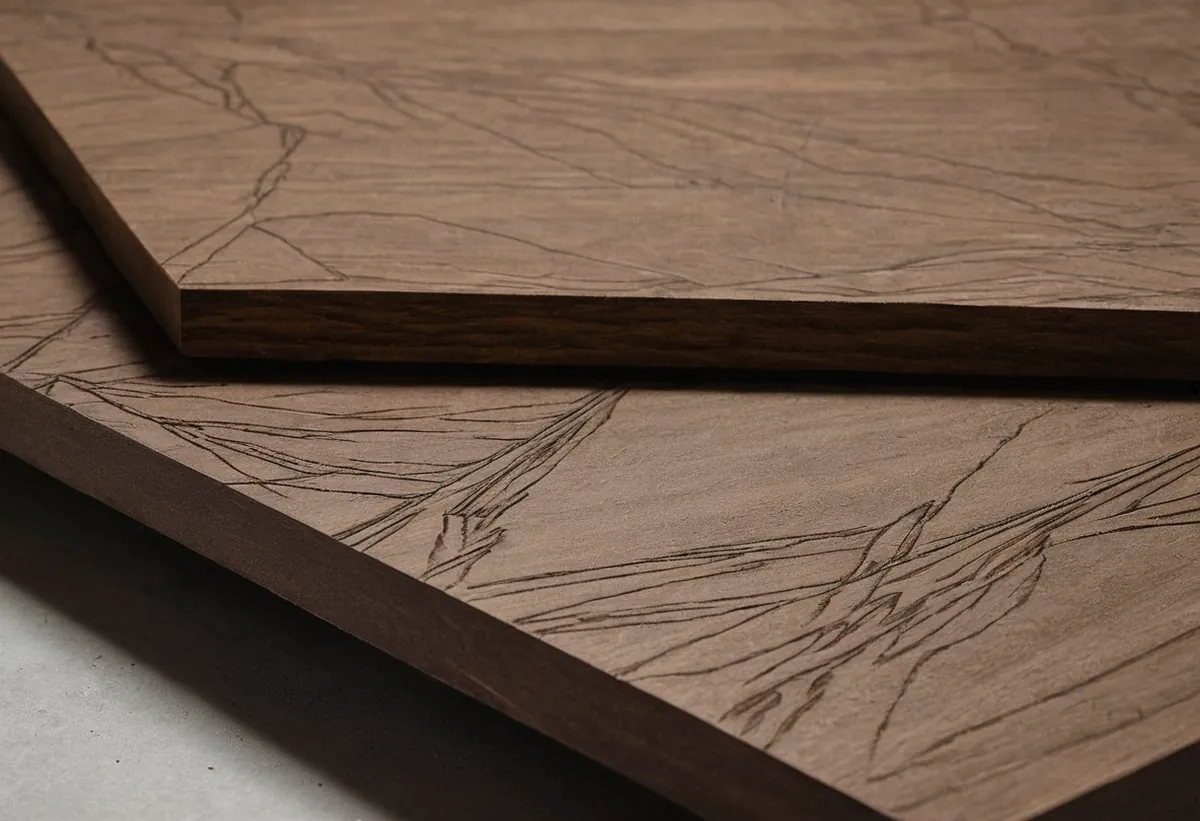
MDF 4mm cuts at about 16 mm/s on a 100 W CO2 laser in one pass. Below: what that means in time and money on common machines, plus settings tips. Price your own file in the calculator — it runs in your browser, nothing is uploaded.
Open the calculator preset for MDF 4mm →MDF 4mm at a glance
| Material group | MDF |
|---|---|
| Thickness | 4 mm |
| Reference cut speed (100 W CO2) | 16 mm/s × 1 pass |
| Air assist | strong air assist |
| Diode lasers | yes, slower (5–10×), more passes as thickness grows |
Time and cost by machine (100 × 60 mm part, €60/h)
| Machine | Speed | Time | Machine cost |
|---|---|---|---|
| xTool D1 Pro 10W | 3.2 mm/s | 1 m 40 s | €1.67 |
| xTool D1 Pro 20W / S1 20W | 4.8 mm/s | 1 m 7 s | €1.11 |
| OMTech K40 (40W CO2) | 8 mm/s | 40 s | €0.67 |
| OMTech / Gweike 60W | 12 mm/s | 27 s | €0.44 |
| OMTech / Thunder / Gweike 80W | 14.4 mm/s | 22 s | €0.37 |
| 100 W CO2 (workshop reference) | 16 mm/s | 20 s | €0.33 |
Speeds scale from the workshop reference by machine class. Material, setup and margin come on top — open the calculator to add them and nest parts on your sheet.
Settings tips for MDF 4mm
MDF chars easily — use masking tape to avoid smoke stains; extract well, the dust is nasty. Test-cut a small square first: dial speed, not power, until it just cuts through — cleaner edge, less char.
Can your machine actually cut this?
Every machine type cuts MDF, and it is the most repeatable material you can buy: no grain, no voids, uniform density, so a setting that works on one sheet works on the next. That is why it is the standard material for prototyping and for anything you need to cut a hundred of.
4 mm is the sweet spot for most machines here. A CO2 machine will do it in one pass; a diode usually wants two at a moderate speed rather than one slow crawl, because a slow single pass dumps heat into the surrounding material and chars the face. If a cut fails at this thickness the cause is almost always focus, not power — check that the focus is set to the surface before you turn anything up.
Buying the right sheet
Thickness tolerance is what varies between suppliers, not quality. A sheet sold as 3 mm can arrive at 3.4 mm, which is enough to turn a one-pass cut into a not-quite-through cut. Measure a new batch with callipers before you run a full sheet.
Safety — read this before the first cut
MDF produces more smoke than anything else here, and the binder is urea-formaldehyde. Extraction is not optional — venting outdoors or a proper filter, not an open window. The smell lingers in the workshop for hours after a long job.
Getting a clean edge
The edge will always be dark brown, and that is chemistry rather than a settings fault: you are burning the resin that holds the fibres together. Do not chase a clean edge by dropping power, you will only get an incomplete cut. Design with the dark edge, or sand and seal it afterwards.
MDF 4mm FAQ
How fast can you laser cut MDF 4mm?
On a 100 W CO2 laser about 16 mm/s in a single pass. Diode lasers are roughly 5× slower (and need more passes above 3 mm). A 100 × 60 mm part (320 mm of cutting) takes about 20 s at 16 mm/s.
How much does laser cutting MDF 4mm cost?
Laser cutting is priced by machine time: cut length ÷ speed = time, × hourly rate (€60/h typical for a small shop) + setup + material. At 16 mm/s a 100 × 60 mm part is about €0.33 of machine time before material and setup.
What settings do I use for MDF 4mm?
Start from your machine's mdf preset, use strong air assist, and do a test cut: if it doesn't cut through, slow down 10–15% before adding power. MDF chars easily — use masking tape to avoid smoke stains; extract well, the dust is nasty.
Where to buy MDF 4mm
Thickness varies more than the label suggests, and MDF glue content drives how much it chars. Buy one sheet and test before committing to a batch.
Check prices on Amazon ↗ Where to buy laser materials
Some links are affiliate links: if you buy through them we may earn a small commission at no extra cost to you. It keeps this calculator free.