Home › Guides › xTool M2 settings — 10W, 20W and 40W cut…
xTool M2 settings — 10W, 20W and 40W cutting cheat sheet
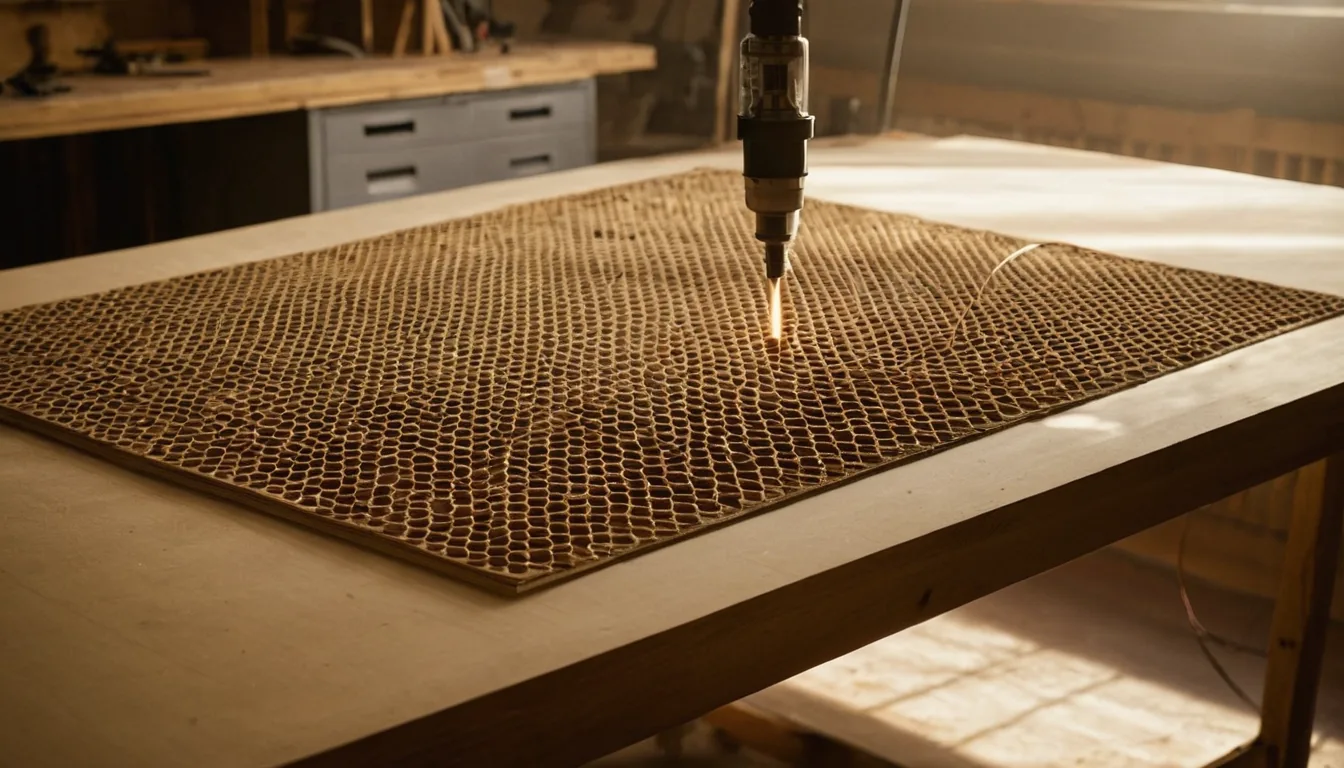
Searching for xTool M2 settings? The M2 is xTool’s 2026 blade-style desktop machine with swappable laser modules: a 445 nm blue diode in 10 W, 20 W or 40 W, plus optional infrared and inkjet modules. Quick answer, from xTool’s own FAQ: at 100% power and one pass, 3 mm basswood plywood cuts at 8 mm/s on the 10 W module and 15 mm/s on the 20 W and 40 W; 3 mm black acrylic cuts at 4 mm/s on the 20 W. xTool publishes cutting and sticker-paper numbers for the M2, not engraving ones we could read, and this page says what is missing. We have not run an M2 ourselves.
Quick answer: xTool’s M2 FAQ gives cutting speeds for basswood plywood and black acrylic at 100% power for each module, and a sticker-paper table for print-then-cut. For xtool m2 engraving settings, tumbler, glass and cardstock settings, the support pages we could read carry no numbers, so we left them out instead of guessing. The M2 Material Cheat Sheet on xTool’s support site is a compatibility list, not a power and speed table.
xTool M2 cutting settings (power % / speed mm/s / passes)
Each row is copied whole from one of two tables in xTool’s support article “xTool M2 FAQs”: Recommended cutting parameters for basswood plywood (header note: 100% power, single pass) and Recommended cutting parameters for black acrylic (100% power; xTool prints the pass count). The label xTool uses is “cutting speed”, in mm/s. Nothing here is from our own bench; confirm on scrap with a material test grid.
| Material | Job | Module | Setting |
|---|---|---|---|
| Basswood plywood 3 mm | Cut | 10W | 100% / 8 mm/s / 1 pass |
| Basswood plywood 6 mm | Cut | 10W | 100% / 3 mm/s / 1 pass |
| Basswood plywood 8 mm | Cut | 10W | 100% / 2 mm/s / 1 pass |
| Basswood plywood 3 mm | Cut | 20W | 100% / 15 mm/s / 1 pass |
| Basswood plywood 6 mm | Cut | 20W | 100% / 6 mm/s / 1 pass |
| Basswood plywood 10 mm | Cut | 20W | 100% / 3 mm/s / 1 pass |
| Basswood plywood 3 mm | Cut | 40W | 100% / 15 mm/s / 1 pass |
| Basswood plywood 6 mm | Cut | 40W | 100% / 6 mm/s / 1 pass |
| Basswood plywood 15 mm | Cut | 40W | 100% / 2 mm/s / 1 pass |
| Black acrylic 3 mm | Cut | 10W | 100% / 4 mm/s / 2 passes |
| Black acrylic 3 mm | Cut | 20W | 100% / 4 mm/s / 1 pass |
| Black acrylic 3 mm | Cut | 40W | 100% / 10 mm/s / 1 pass |
Read the trend, not just the cell: xTool prints the same 3 mm plywood speed (15 mm/s) for the 20 W and 40 W modules; the 40W only pulls ahead on thicker stock, where xTool lists 15 mm at 2 mm/s against 10 mm at 3 mm/s on the 20W. On black acrylic the 10W needs two passes where the 20W needs one at the same 4 mm/s. xTool’s maximum cutting thickness for each module is 8, 10 and 15 mm in plywood and 3, 8 and 11 mm in black acrylic.
Sticker and tattoo paper (xTool print-then-cut table)
From xTool’s article “How to Make Stickers with xTool M2”, table Recommended M2 Settings. The article does not say which laser module cuts these, so we do not either; the machine prints with the inkjet module first.
| Material | Job | Setting |
|---|---|---|
| White matte sticker paper | Cut (after printing) | 90% / 50 mm/s / 1 pass; ink density 80% |
| White glossy sticker paper | Cut (after printing) | 90% / 50 mm/s / 1 pass; ink density 80% |
| Vellum sticker paper | Cut (after printing) | 90% / 40 mm/s / 1 pass; ink density 80% |
| Holographic sticker paper | Cut (after printing) | 90% / 40 mm/s / 1 pass; ink density 70% |
| Temporary tattoo paper | Cut (after printing) | 90% / 40 mm/s / 1 pass; ink density 80% |
The charts from this site in one printable book: The Laser Settings Handbook — 18 machines, 11 material charts, the 15 fixes and a settings log in 168 pages. Machine guides added since the book was made are free online only. Read the free 13-page sample.
Get an exact price for the xTool M2
Settings give the time; the price is time times your hourly rate plus material and setup. Put the cut length and speed into the laser cutting time calculator, then the calculator. Compare with older xTool diodes: the M1 Ultra guide cuts 3 mm basswood plywood at 600 mm/min (10 mm/s) on its 20 W diode, against 15 mm/s from xTool for the M2’s 20 W module, and black acrylic 3 mm at 180 mm/min (3 mm/s) against 4 mm/s: the same direction, a little faster.
Models, specs and whether it is still sold
| Item | Value | Source |
|---|---|---|
| Laser | Blue diode, 445 nm; 10 W, 20 W and 40 W modules; optional 3 W infrared and CMYK inkjet modules | xTool support article 3324 |
| Work area | 426 × 320 mm (10W, 20W); 426 × 312 mm (40W) | xTool support article 3324 |
| Max speed | 600 mm/s movement | xTool support article 3324 |
| Max processing height | 26 mm with the baseplate | xTool support article 3324 |
| Camera | Distant-view 5 MP plus a close-view camera | xTool support article 3324 |
| Enclosure | Class 1 enclosed laser, built-in air pump | xTool support article 3324 |
| Size, weight | 610 × 569 × 180 mm, 12.3 kg (basic kit) | xTool support article 3324 |
xTool lists the M2 as available: on 14 November 2026 its product page had add-to-cart buttons, though the 40W standalone listing showed out of stock. The global launch was in late May 2026 according to a press release and a news article we saw in search results; we did not open them, so treat that date as secondary. xTool’s setup article does not name the control software in the text we read, so we do not name one.
Stock for the M2
The M2 cuts 3 mm plywood and black acrylic and prints stickers, so the running cost is sheet and paper.
Basswood plywood 3 mm: Check price on Amazon ↗
Black acrylic sheets 3 mm: Check price on Amazon ↗
Printable sticker paper: Check price on Amazon ↗
Slate coasters: Check price on Amazon ↗
Disclosure: some links are affiliate links — if you buy through them we may earn a small commission at no extra cost to you. As an Amazon Associate I earn from qualifying purchases. Prices are approximate list prices at the time of writing; always check the current offer.
Bed size: what actually fits
The M2 10W and 20W work area is 426 × 320 mm (the 40W is 426 × 312 mm). That decides which stock sizes fit without cutting down first.
| Common stock | Size | On this machine |
|---|---|---|
| A4 sheet | 297 × 210 mm | Fits |
| 300 × 300 mm craft ply | 300 × 300 mm | Fits |
| 400 × 300 mm sheet | 400 × 300 mm | Fits |
| 400 × 400 mm sheet | 400 × 400 mm | Does not fit: cut it down first |
| 600 × 400 mm sheet | 600 × 400 mm | Does not fit: cut it down first |
What the xTool M2 settings above do not cover
- No engraving or scoring rows. xTool’s per-material engrave and score values for the M2 live in its Atomm materials library, whose data endpoint is disallowed to crawlers in its robots.txt, so we did not read it. xTool’s support articles carry none.
- No tumbler, glass, cardstock or leather rows. Not published as numbers in the pages we could read.
- No clear acrylic. A 445 nm diode passes through it; xTool’s table lists black acrylic only. Use a CO2 machine for clear.
- No infrared module rows. xTool publishes none for the optional 3 W infrared in the articles we read.
Troubleshooting: symptom, cause, fix
| Symptom | Likely cause | Fix |
|---|---|---|
| Cut does not go through | Out of focus, or speed too high for the module | Re-focus for the actual thickness, slow down by a third, then add a pass. Check the module against the table. |
| Scorched edges on acrylic | Too many slow passes | Prefer one pass at xTool’s speed for your module over several slow ones. |
| Sticker edges lifting or half-cut | Cut depth wrong for the backing | Test cut a small shape and adjust speed in steps of 5 mm/s. |
| Settings from a 10W page cut short on a 40W | Different module | Match the row to the module installed. |
Material cost per item
The 426 × 320 mm bed takes A4 and 300 × 300 mm sheets whole. See where to buy laser materials.
FAQ
What are xTool M2 settings for cutting plywood?
xTool's M2 FAQ lists basswood plywood at 100% power and one pass: on the 10W module 3 mm at 8 mm/s, 6 mm at 3 mm/s and 8 mm at 2 mm/s; on the 20W module 3 mm at 15 mm/s, 6 mm at 6 mm/s and 10 mm at 3 mm/s; on the 40W module 3 mm at 15 mm/s, 6 mm at 6 mm/s and 15 mm at 2 mm/s.
What are xTool M2 acrylic settings?
xTool lists black acrylic 3 mm at 100% power: 4 mm/s with two passes on the 10W module, 4 mm/s with one pass on the 20W, and 10 mm/s with one pass on the 40W. Clear acrylic is not listed because a blue diode passes through it.
What are xTool M2 sticker settings?
From xTool's sticker article: white matte or glossy sticker paper cuts at 90% power, 50 mm/s, one pass, ink density 80%; vellum and holographic paper at 90% and 40 mm/s, with ink density 80% and 70%; temporary tattoo paper at 90% and 40 mm/s.
Does xTool publish xTool M2 engraving, tumbler or glass settings?
Not as numbers in the support pages we could read. The M2 Material Cheat Sheet is a compatibility list, and the per-material engrave values sit in xTool's Atomm library, which we did not read because its robots.txt disallows crawlers.
What is the difference between the xTool M2 10W, 20W and 40W modules?
Cutting depth and speed. xTool lists maximum plywood cuts of 8, 10 and 15 mm and black acrylic cuts of 3, 8 and 11 mm for the three modules. The 10W and 20W cover 426 x 320 mm; the 40W covers 426 x 312 mm.
How big is the xTool M2 work area?
426 x 320 mm for the 10W and 20W modules and 426 x 312 mm for the 40W, per xTool's M2 FAQ.
Is the xTool M2 still sold?
Yes. xTool's product page offered the M2 with add-to-cart buttons on 14 November 2026, although the 40W standalone variant showed out of stock.